Adding an AI feature to an app takes an afternoon. Keeping it fast, correct and affordable once real users arrive takes a design. Most of the cost is decided before the first request is sent: what you send, which model answers, and what you do when the answer is already known. This is the checklist we use when a client asks for "a chatbot" or "AI search", written so you can apply it to your own product.
- You pay per token, in and out. The prompt you send is usually the bigger half of the bill.
- Route each request to the smallest model that can handle it. Escalate only when needed.
- Cache what repeats: system prompts, shared documents, identical questions.
- Put hard limits in code: per user, per day, per request. Budgets in a spreadsheet do not stop a loop.
- Measure cost per successful answer, not cost per request.
Where the money goes
Language models are billed by the token, roughly three quarters of an English word. Every request is charged twice: once for everything you send (input) and once for everything the model writes back (output). Output tokens cost more per token, but input is usually where the volume is.
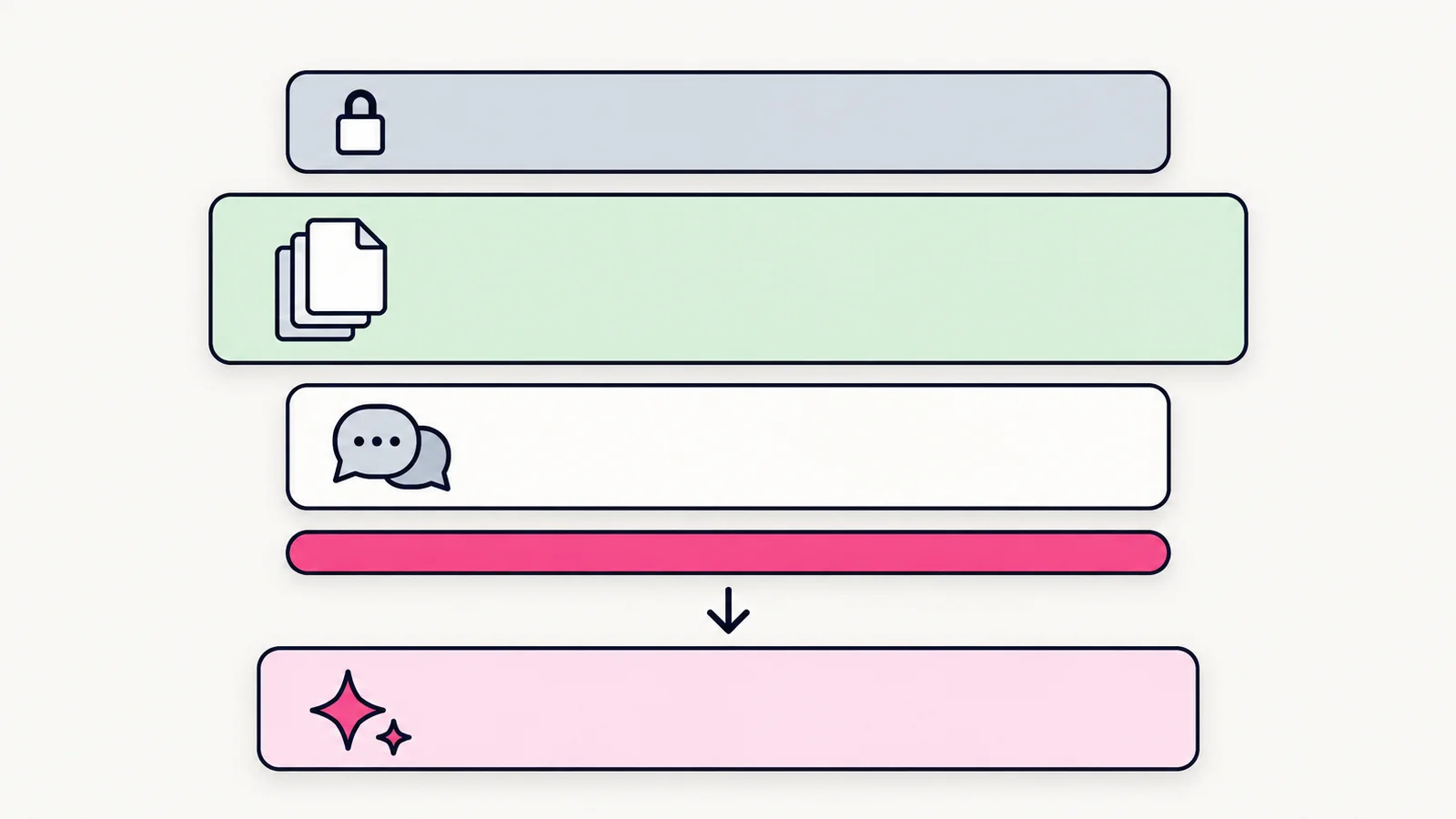
A typical support assistant request looks like this:
| Part of the request | Tokens | Changes per request? |
|---|---|---|
| System prompt and rules | ~1,500 | No, identical every time |
| Retrieved help articles | ~3,000 | Sometimes |
| Chat history | ~1,000 | Grows every turn |
| User's question | ~50 | Yes |
| Model's answer (output) | ~300 | Yes |
The question is about 1% of the input. That is the key insight behind every technique below: shrink, reuse or skip the parts that do not change.
Multiply expected requests per day by tokens per request, using your provider's current price sheet. If the number makes you uncomfortable on paper, it will be worse in production, because real users ask follow-up questions.
The request pipeline
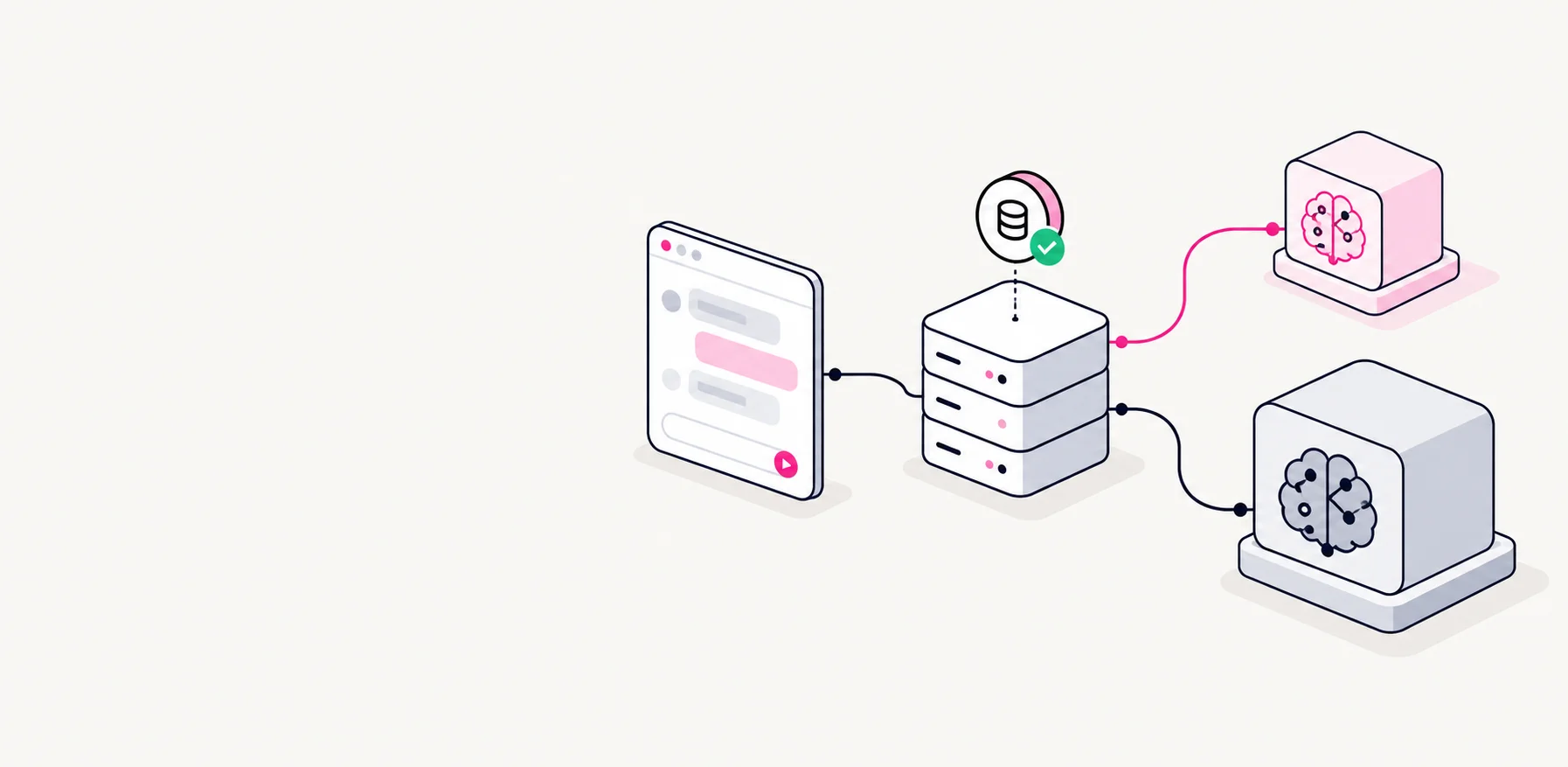
We put every AI call behind one server-side function. The app never talks to the model provider directly. That single choke point is what makes the rest possible: caching, routing, limits and logging all live in one place.
- Check limitsUser quota and daily budget
- Check cacheSeen this exact question?
- RoutePick the smallest capable model
- Call + streamWith a token cap on the answer
- LogTokens, cost, latency, outcome
export async function ask(userId: string, question: string) {
  await assertWithinQuota(userId);           // 1. hard limits first

  const cached = await answerCache.get(question);
  if (cached) return cached;                 // 2. free answer

  const model = pickModel(question);         // 3. small by default
  const answer = await llm.complete({
    model,
    system: SYSTEM_PROMPT,                   // cached by the provider
    messages: await buildContext(userId, question),
    maxTokens: 500,                          // 4. cap the output
  });

  await usageLog.record(userId, model, answer.usage); // 5. measure
  await answerCache.set(question, answer.text);
  return answer.text;
}
Five techniques, in order of impact
-
Route to the smallest model that works
Providers sell several sizes of model. The small ones are many times cheaper and faster, and they handle classification, extraction, short rewrites and simple FAQ answers well. Send everything to a small model first; escalate to a large one only for long reasoning, code, or when the small model reports low confidence.
A simple router is often a few rules (question length, detected intent, whether documents were retrieved). You do not need a model to choose the model.
-
Use prompt caching for the parts that repeat
Major providers can cache a fixed prefix of your prompt, such as system instructions and shared reference documents, and bill cached reads at a fraction of the normal input price. The rule is simple: put stable content first and variable content last, so the prefix stays identical between requests.
-
Send less context
Retrieval (RAG) should return the three most relevant passages, not the whole manual. Summarise old chat turns instead of resending them in full. Strip HTML, boilerplate and duplicate text before it reaches the prompt. Every token removed here is saved on every single request.
-
Cache whole answers
Many apps receive the same handful of questions over and over: opening hours, pricing, how to reset a password. Store the answer keyed by a normalised version of the question and return it instantly. It costs nothing, and it is faster than any model.
-
Cap the output
Set a maximum answer length and ask for concise answers in the system prompt. Long answers are expensive and, on a phone screen, usually worse anyway.
Limits that actually stop spending
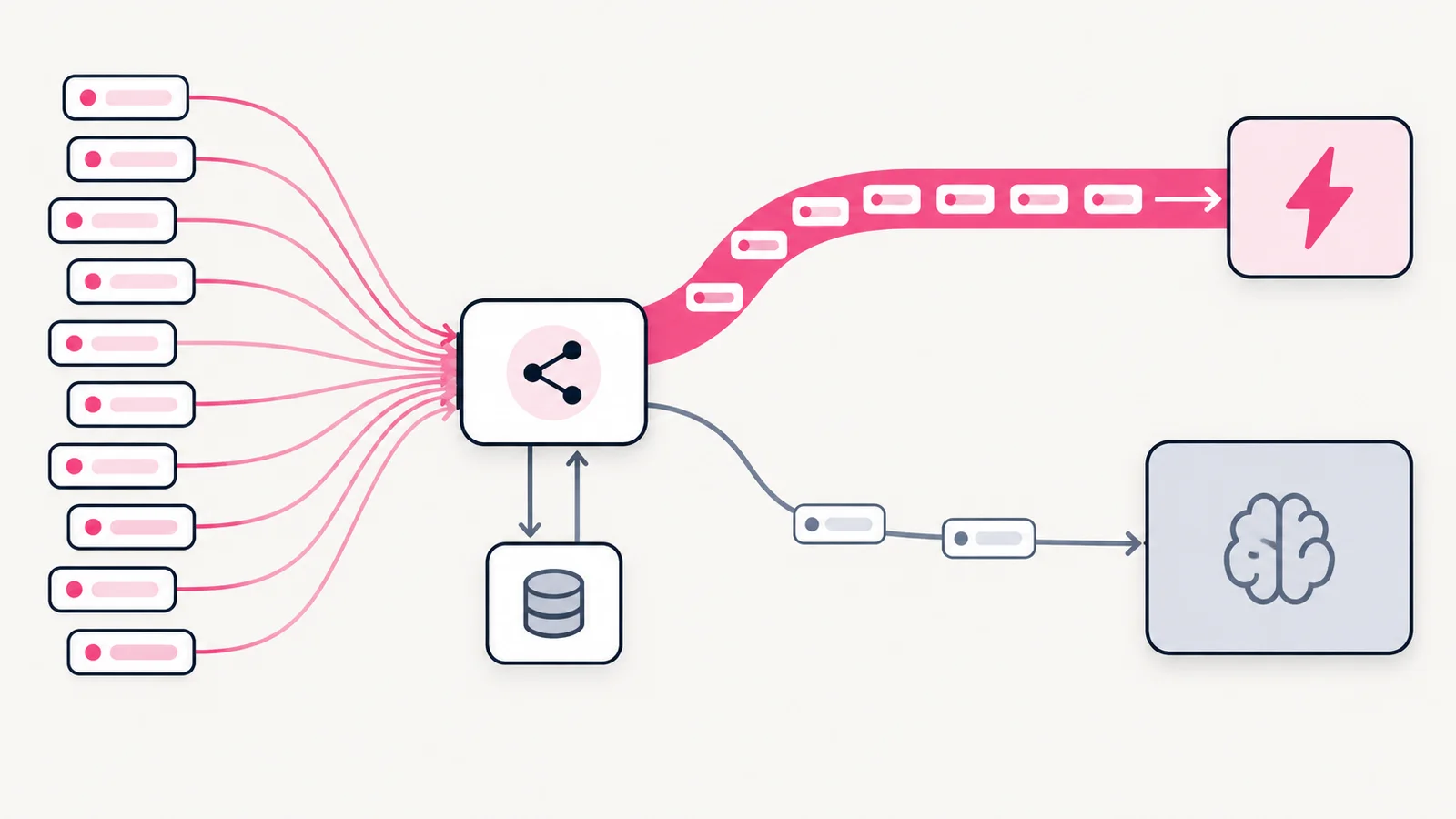
A monthly budget alert tells you about a problem after it has happened. Limits enforced in code prevent it. We set three layers:
Per request
Maximum input and output tokens. Stops one huge document or a runaway answer.
Per user
Requests per minute and per day. Stops abuse, scripts and accidental loops in the client.
Per app
A daily spending ceiling. When reached, degrade gracefully instead of failing silently.
An API key shipped inside a mobile app or a web bundle can be extracted in minutes. Keep keys on the server, behind your own authenticated endpoint, so every limit above can be enforced.
Degrade, do not break
When a limit is reached or the provider is slow, the feature should still be useful. Good fallbacks, from best to worst:
- Serve a cached or pre-written answer for common questions.
- Fall back to the smaller model with a shorter answer.
- Show search results from your own help content without generation.
- Explain clearly that the assistant is busy and offer a contact option.
Do
- Stream answers so users see progress immediately
- Log tokens and cost for every request from day one
- Version your prompts like code
Don't
- Resend the full chat history on every turn
- Use the largest model "to be safe"
- Rely only on the provider's billing dashboard
Measure the right number
Cost per request is easy to track and slightly misleading. A cheap answer that is wrong leads to a follow-up question, a support ticket, or a user who leaves. The metric we report to clients is cost per successful answer: total AI spend divided by the answers users rated helpful or did not need to rephrase.
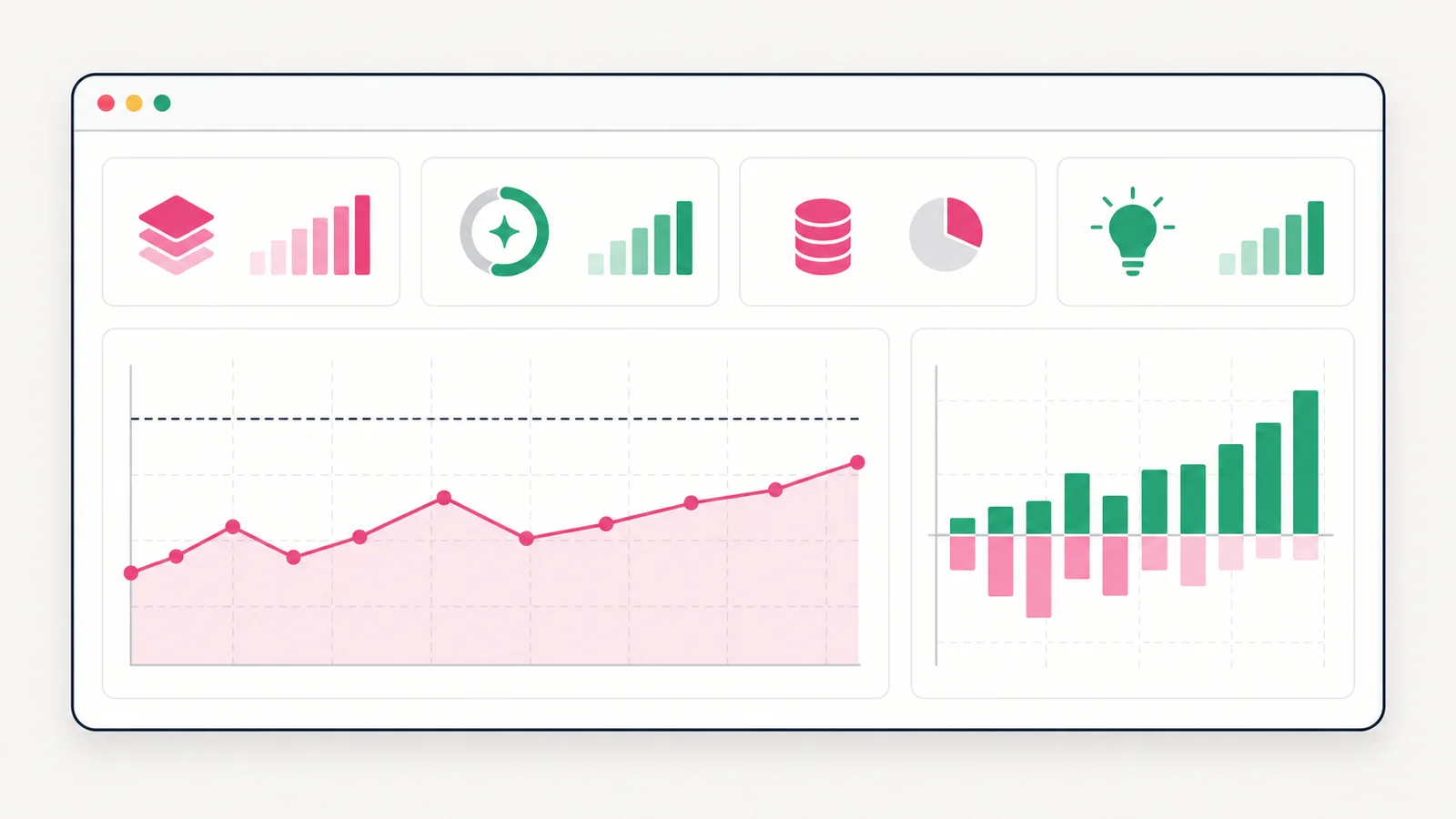
Add a thumbs up and down to every answer. It costs one button, and it turns "the AI feels okay" into data you can improve against: which questions fail, which prompts need work, and which requests never needed the large model.
The checklist
- All model calls go through one server-side function
- Small model by default, large model on escalation
- Stable prompt content first, so provider caching works
- Retrieval returns a few passages, not whole documents
- Common questions answered from a cache
- Output length capped
- Limits per request, per user and per app, enforced in code
- A fallback for when limits or the provider fail
- Tokens, cost and user feedback logged for every requestYou cannot reduce what you do not measure.
The cheapest model call is the one you never make. The second cheapest is the one that sends only what the model needs.
If you are planning an AI feature and want a second opinion on the architecture or the expected cost, talk to us. We are happy to review a design before any code is written.