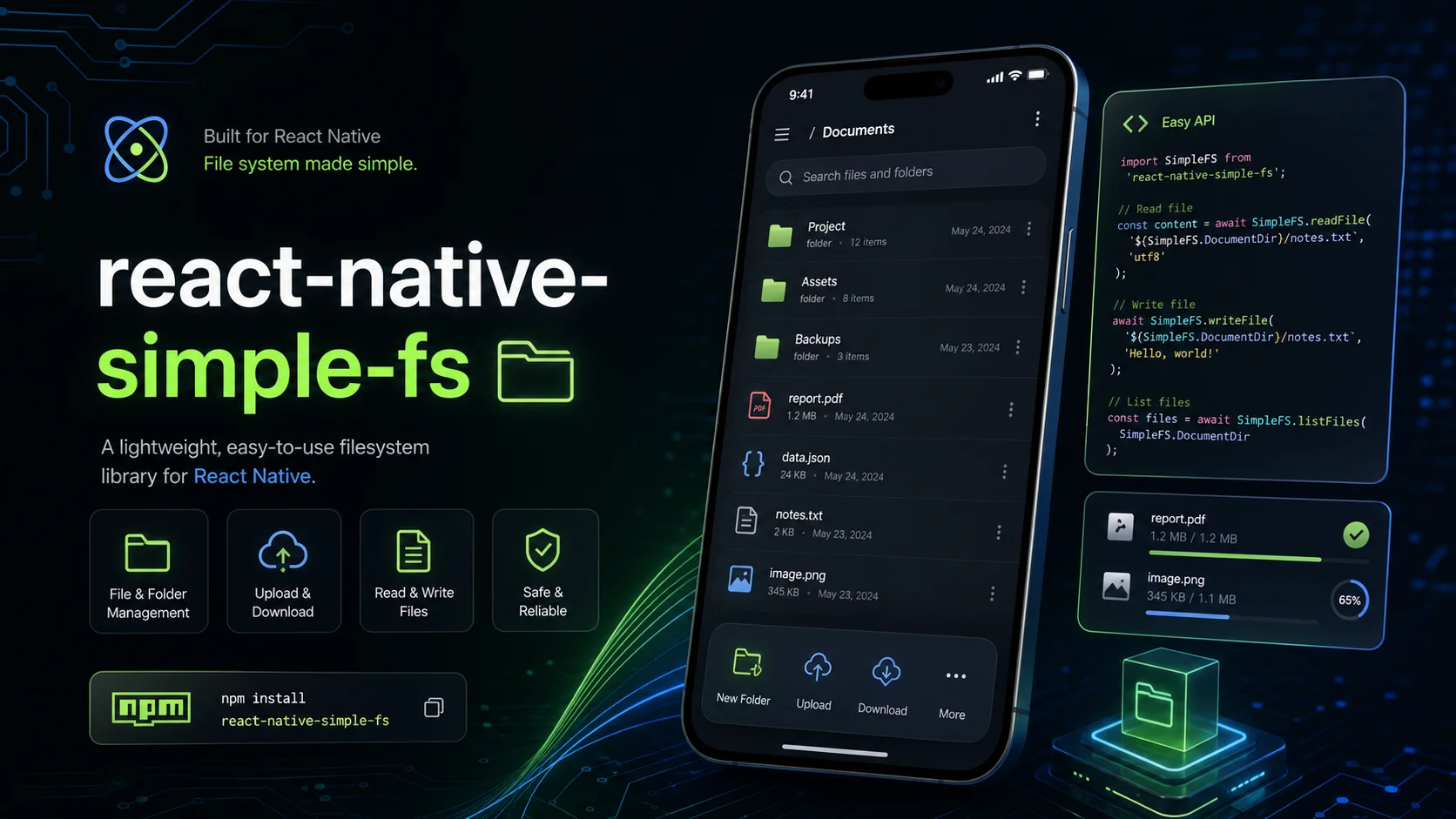
Every utility app we ship eventually touches the disk. A scanner saves an image, a recorder writes audio, a calculator exports a PDF. For years each project carried its own helper file for this, copied from the last project and patched along the way. This is the story of replacing those copies with one small library, written as a walkthrough you can follow in your own codebase.
- How to audit what your file helpers are actually used for
- The four calls that covered almost everything in our apps
- What we deliberately left out, and why
The problem: copies that drift
Copy-paste helpers work until they don't. A bug fixed in one app stayed broken in two others. One helper trimmed trailing slashes, another did not. One wrote to the cache folder by default, another to documents. The code looked the same at a glance, which made the differences harder to spot.
Before: a copy per app
- Scanner app with its own helper, first version
- Recorder app with its own helper, patched
- Calculator app with its own helper, forked
After: one shared library
- Scanner app uses react-native-simple-fs
- Recorder app uses react-native-simple-fs
- Calculator app uses react-native-simple-fs
Step by step
-
List every call site
Search each app for its file helper and write down what every call does in plain words. Not what the helper can do, only what the app uses it for.
-
Group by intent
Our list collapsed into five intents: write a file, read it back, list a folder, delete something, and know where documents live versus cache.
-
Design the smallest API that covers the list
One function per intent, plain string paths, directory constants exposed up front.
-
Migrate one app at a time
Each migration was mostly deletion: the old helper went away and a handful of imports changed.
The API in practice
import SimpleFS from "react-native-simple-fs";

const path = `${SimpleFS.DocumentDir}/notes.txt`;

await SimpleFS.writeFile(path, "Hello, world!");
const content = await SimpleFS.readFile(path, "utf8");
const files = await SimpleFS.listFiles(SimpleFS.DocumentDir);| Call | What it is for |
|---|---|
DocumentDir | Where files the user cares about should live. Survives app updates. |
writeFile | Write a string to a path. Paths are plain strings, easy to log. |
readFile | Read it back with an explicit encoding, so nothing is guessed. |
listFiles | See what is in a folder, for history screens and cleanup. |
- App screensScanning, recording and export flows
ScanRecordExport - react-native-simple-fsOne typed API with the same defaults in every app
writeFilereadFilelistFiles - Platform file APIsiOS and Android, reached through the native layer
iOSAndroid - Device storageSandboxed per app
DocumentsCache
What we left out
Streaming large files, watching folders and zip support all came up in the first week. They are useful, but they are also where file libraries become hard to reason about. Our rule: a feature gets in only if at least two of our own apps need it today.
Testing on real phones
Simulators lie about file systems more than about almost anything else. Before each release we run a short manual pass on an older Android phone and a recent iPhone.
- Write and read back a file with non-ASCII charactersEncodings are where helpers usually break first.
- Write into a folder that does not exist yet
- List an empty folder and one with many files
- Delete a file that is already goneShould be a no-op, not a crash.
- Kill the app mid-write and check nothing is left half written
If a helper needs a README longer than its source, it is probably doing too much.
The library is on npm and the source is public. If you find a gap, the issues page is the best place to tell us. If the honest answer is that your use case needs a larger library, we will say so.