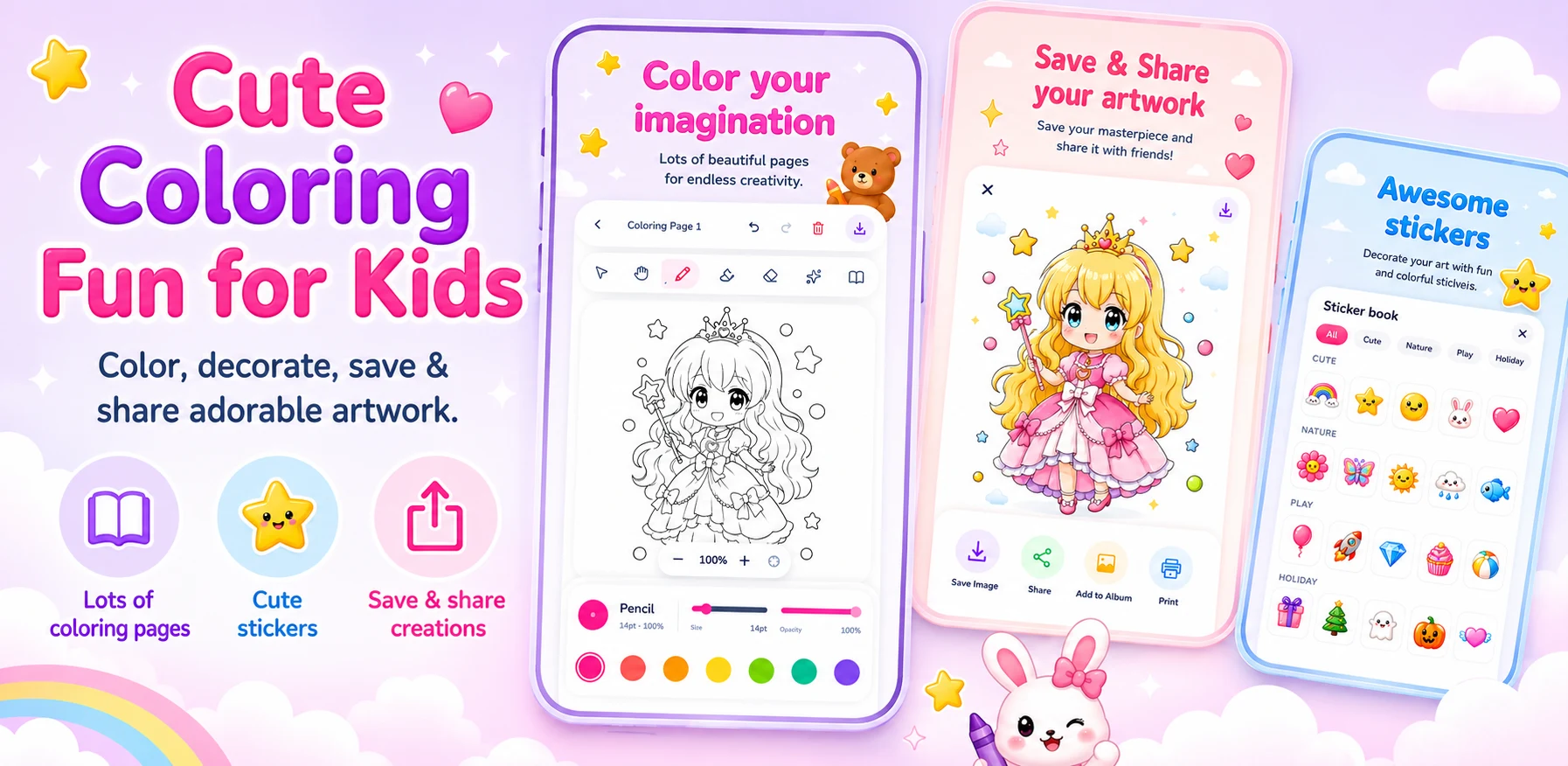
Designing for children means letting go of most habits from adult apps. Young users often cannot read labels, they tap with whatever part of the hand reaches the screen first, and they lose interest quickly when something does not respond the way they expect. Coloring Book: Paint & Draw is built on five principles that came from watching kids use early versions.
Pictures, not words
Every tool is an icon big enough for a small finger and clear without a label.
Instant reward
One tap fills a whole shape. Kids see a result before they lose interest.
Outlines are sacred
Painting never covers the line art, so pictures always keep their shape.
Mistakes are cheap
A big undo, always in the same place.
Grown-ups handle sharing
Saving is automatic; sending a picture out of the app needs a parent.
01 · Pictures, not words
Colors sit in a row of large swatches that are always visible. Tools are distinct shapes, not similar icons with different labels. There is no settings menu on the drawing screen, because a child who opens a menu by accident usually cannot get back.
02 and 03 · How the canvas is built
The canvas is a stack of layers. That single decision delivers both the instant fill and the protected outlines.
- Line artLocked outlines, never painted over
- StickersMovable, sized for small fingers
dragresize - PaintBrushes and one-tap fill
brushfilleraser - PaperPlain background, easy to read
04 · Mistakes are cheap
Kids learn the undo button quickly when it never moves. It turns mistakes into part of the game rather than a reason to give up.
Easy
- Undo: one tap, always visible
- Change color: one tap
- Add a sticker: drag it in
Deliberately hard
- Clear the whole picture: press and hold
- Leave the drawing screen: two steps
- Share outside the app: parent check
For a five-year-old, a missing undo button is the same as a broken app.
05 · Grown-ups handle sharing
Finished pictures save to an in-app gallery automatically, so nothing is ever lost. Sharing outside the app sits behind a simple parent check, because the person who wants to send a drawing to grandparents is usually not the person who drew it.