Shipping one React Native app to two stores and a web build sounds efficient, and mostly it is. The code is shared. The release is not. Below is the checklist we run before every release, with the story behind each line one tap away.
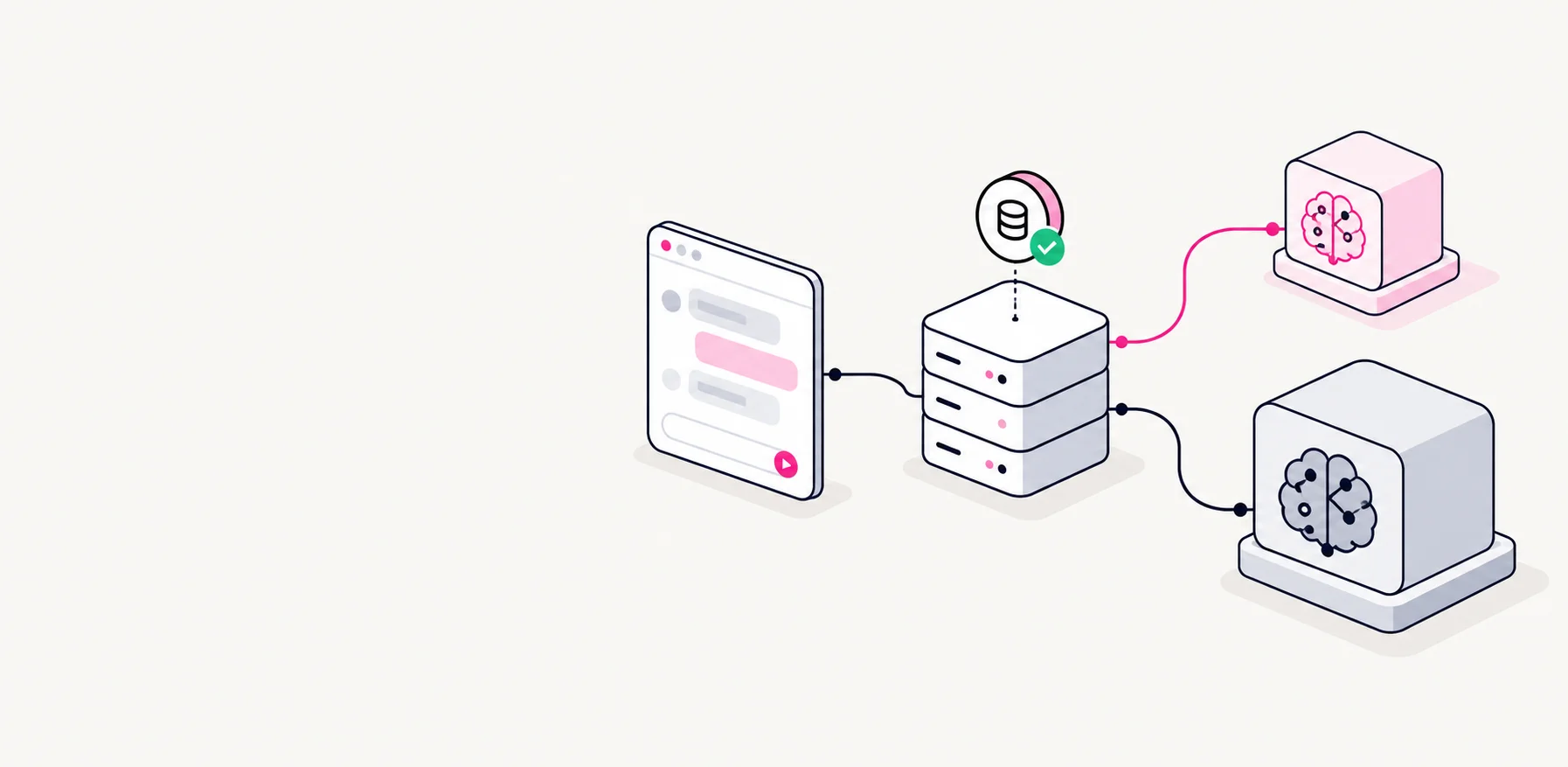
- Shared React Native codeScreens, state and business logic
- Platform buildsNative projects plus web fallbacks for native modules
iOSAndroidWeb - Where it shipsThree reviews, three sets of rules
App StoreGoogle PlayWeb hosting
Before building
- Bump version and build number in both native projects
- Changelog covers every user-visible change since last release
- Environment config points at production, not staging
- Feature flags for unfinished work are off
Why the version bump is on the list
It sounds trivial, and it is the item we have missed most often. One store rejects a duplicate build number outright; the other can accept it in ways that make the next upload confusing. Checking both projects every time is cheaper than finding out during review.
Why feature flags get their own line
Half-finished screens hidden behind a flag are harmless until the flag defaults the wrong way in a release build. A five-second check prevents a very public mistake.
Before submitting
- Install the release build on a real, older Android phoneCatches more problems than anything else on this list.
- Install the release build on an iPhone, from a clean state
- Run the main flow end to end without the debugger attached
- Privacy labels and data safety forms still match what the app collects
- Store screenshots regenerated if any visible screen changed
Why an older Android phone, specifically
Animations that are smooth on a new phone stutter, memory runs out sooner, and slow storage reveals loading states you never saw during development. If the app feels good on a cheap phone, it feels good everywhere.
Why "without the debugger"
Debug builds are slower in some places and more forgiving in others. Release builds are what users get, so release builds are what we test.
The simulator tells you the code works. A cheap phone tells you the app works.
The web build
The web version shares most screens with the mobile app, but not the environment. Native modules have web fallbacks, and those fallbacks are easy to forget about until they break.
- Run the web build against production keys
- Anything stored on device has a working web equivalent
- Check a narrow mobile viewport as well as desktop
The whole release, in order
- PrepareVersion, changelog, config, feature flags
- BuildScripted for both native platforms
- Real-device passAn older Android phone and a clean iPhone install
- SubmitApp Store and Google Play review
- Web buildPrivate window, narrow and wide viewports
- WatchCrash reports and reviews for the first days
Why a list and not a script
Version bumps and builds run from scripts now. But half the list is judgement: does this screenshot still represent the app, does this changelog make sense to someone outside the team, does this animation feel slow on a cheap phone. A checklist keeps a person looking at those things.