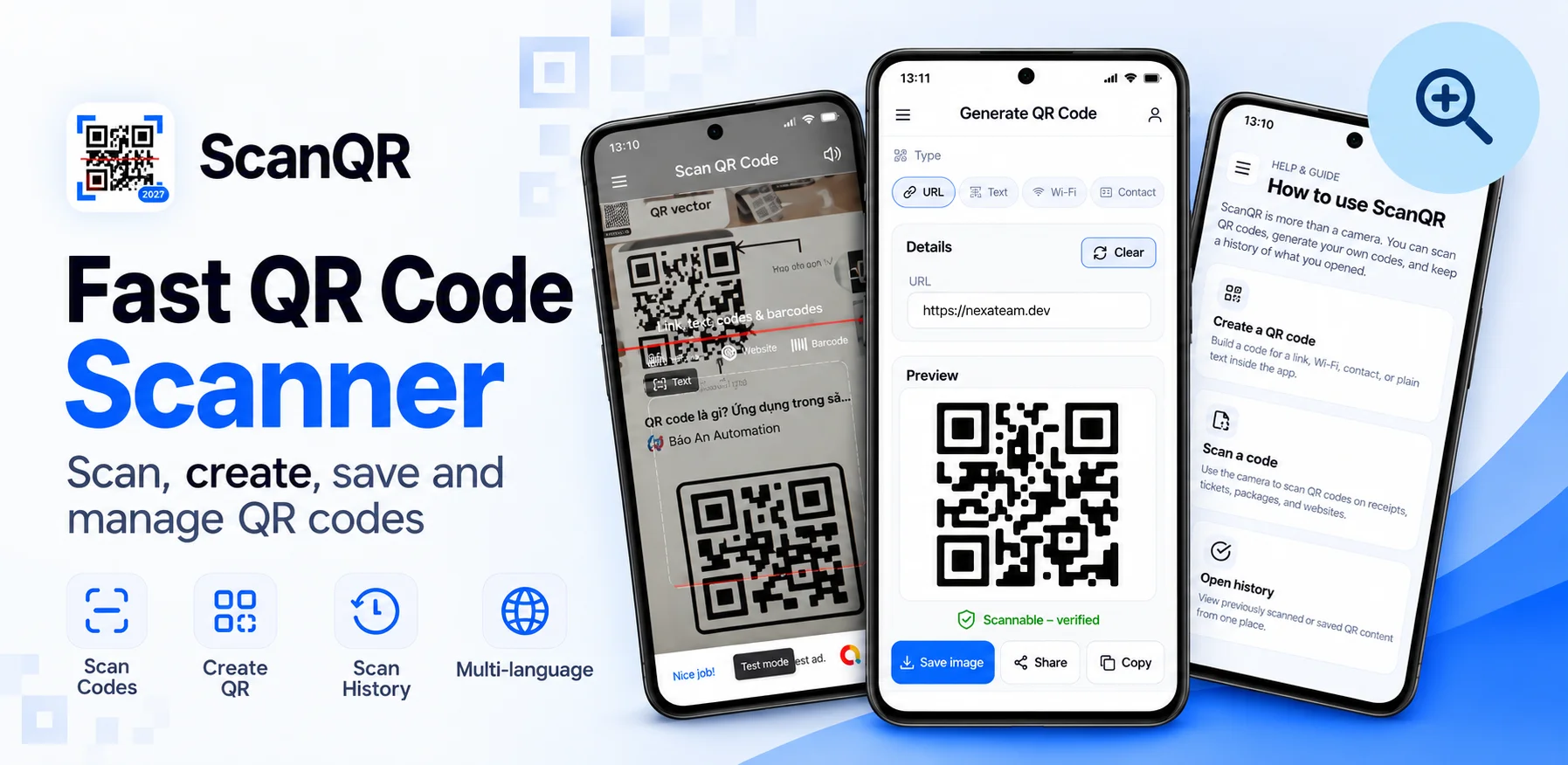
Many scanners open a link the instant they read a QR code. It feels fast. It also means visiting a website without ever seeing its address, which is exactly what a fake sticker on a parking meter is counting on. ScanQR adds one step: a preview. This post explains what that preview shows and why.
Anatomy of a suspicious link
Here is a made-up address of the kind found on fake parking stickers. The only part that decides where you actually go is the highlighted one.
"pay" and "meter" make it look official, but the real domain is not the city's, and the zero in "0nline" is a classic lookalike trick. Shown full size, it is easy to spot. Hidden behind an instant redirect, nobody sees it at all.
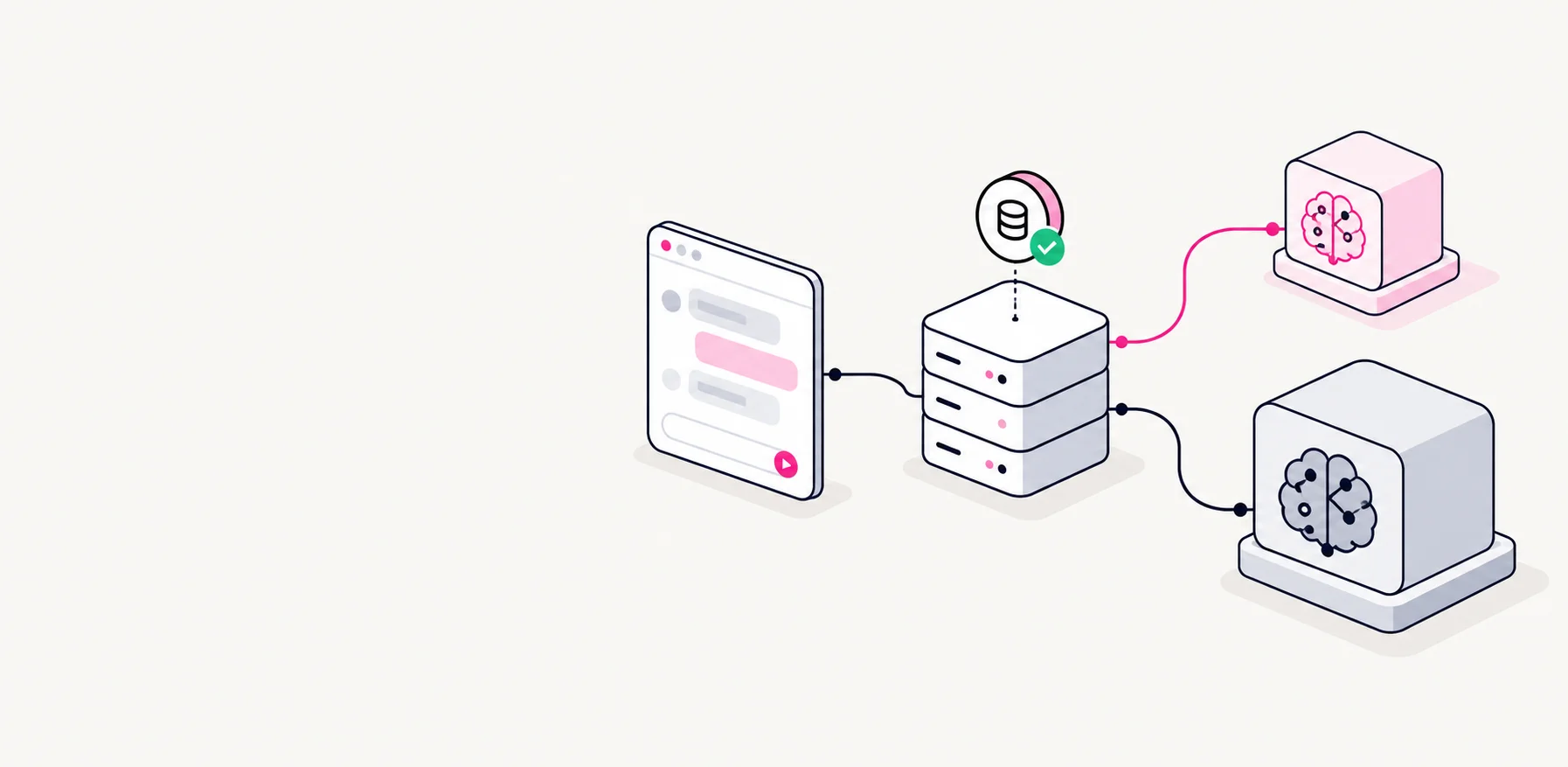
Every scan passes through a preview
- ScanQR code or barcode
- ClassifyLink, Wi-Fi, contact or text
- PreviewReal domain shown large
- ActOpen, copy, connect or save
What the preview shows for each type
| Content | Preview shows | Main action |
|---|---|---|
| Web link | Real domain, large, separate from the rest | Open in browser |
| Wi-Fi | Network name and security type | Connect |
| Contact | Name, phone, email | Save to contacts |
| Plain text | The text itself | Copy |
Signals we point out
- Shortened linksThey hide where they really go.
- Plain http without encryption
- Domains that look like a well-known name but are spelled differently
- Very long addresses where the real domain is pushed out of view
Half a second of friction is a fair price for knowing where you are going.
Beyond scanning
Scans are saved to a searchable history on the device, so the menu from lunch or the event link from a poster is still there tomorrow. The same app generates codes for Wi-Fi networks and contact cards, which turned out to be popular with small shops and cafes.