QR codes are on parking meters, restaurant tables, parcels and invoices, and scammers have noticed. "Quishing" (QR phishing) uses a QR code to send you to a fake payment page or login form. The good news: most QR scams follow a few patterns that are easy to spot once you know them.
Where QR scams show up
- Stickers on parking meters and EV chargers that send you to a fake payment page.
- Fake parking fines or delivery notices left on cars or sent by mail, with a QR code to "pay now".
- Emails with a QR code instead of a link, asking you to "verify your account". Email filters often cannot read the code.
- Restaurant menus or posters with a sticker placed over the real code.
7 warning signs
- A sticker on top of another code. Run a finger over it. Real codes are usually printed directly.
- The link is a raw IP address like
http://185.62.14.9/payinstead of a domain name. - No encryption. The link starts with
http://instead ofhttps://, especially for anything asking for money. - A domain that is almost right, like an extra word, swapped letters, or an unusual ending.
- A link shortener that hides where you will end up.
- Urgency. "Pay within 24 hours", "account locked", "fine doubles tomorrow".
- It asks for a password or card details right after scanning, with no clear reason.
The single best habit: look before you open
Most phone cameras open a QR link with one tap and only show a short preview. Before tapping, read the full address. If you cannot see it or it looks wrong, do not open it. For payments, type the official website or open the official app yourself instead of following the code.
If you already scanned and paid
- Contact your bank or card issuer immediately and explain what happened.
- If you entered a password, change it, and turn on two-factor authentication.
- Report the code to the business, parking operator or local authority so they can remove it.
Let the scanner check for you
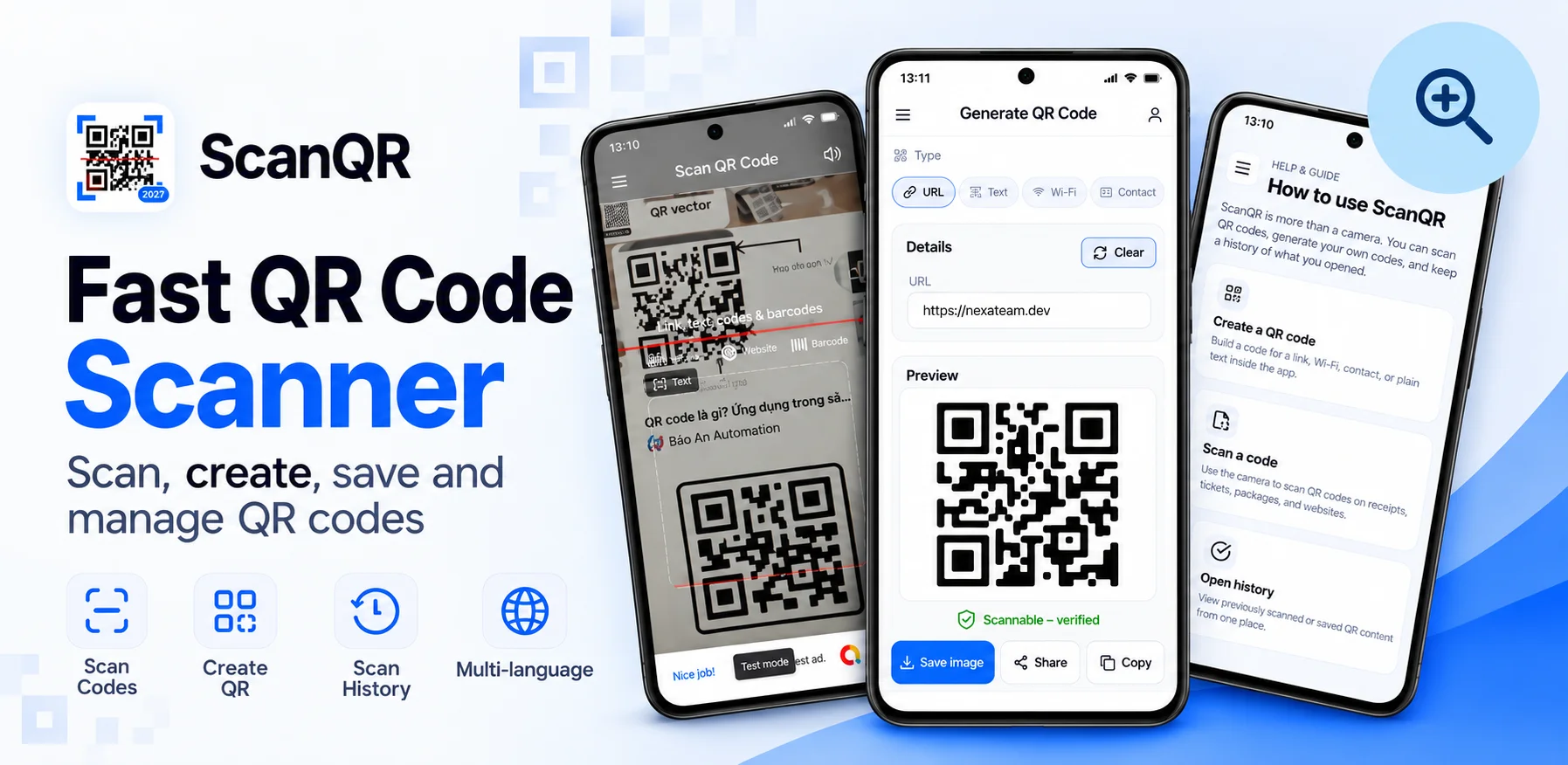
We built ScanQR so it never jumps straight to a website. After every scan it shows the full link first and flags common warning signs, such as a raw IP address or an unencrypted http link, before you decide to open it. It is a small pause that makes scanning a lot safer.